Projects
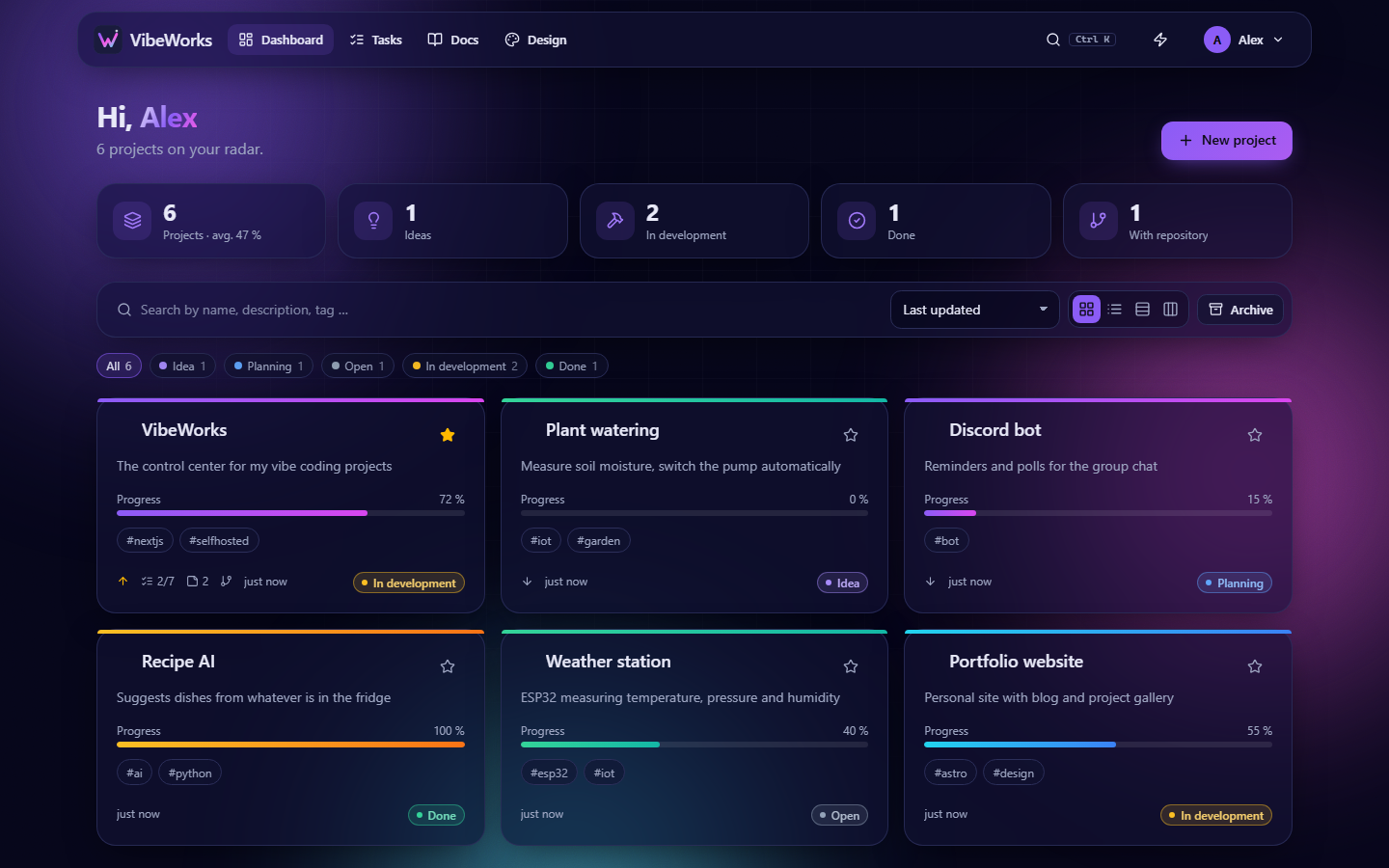
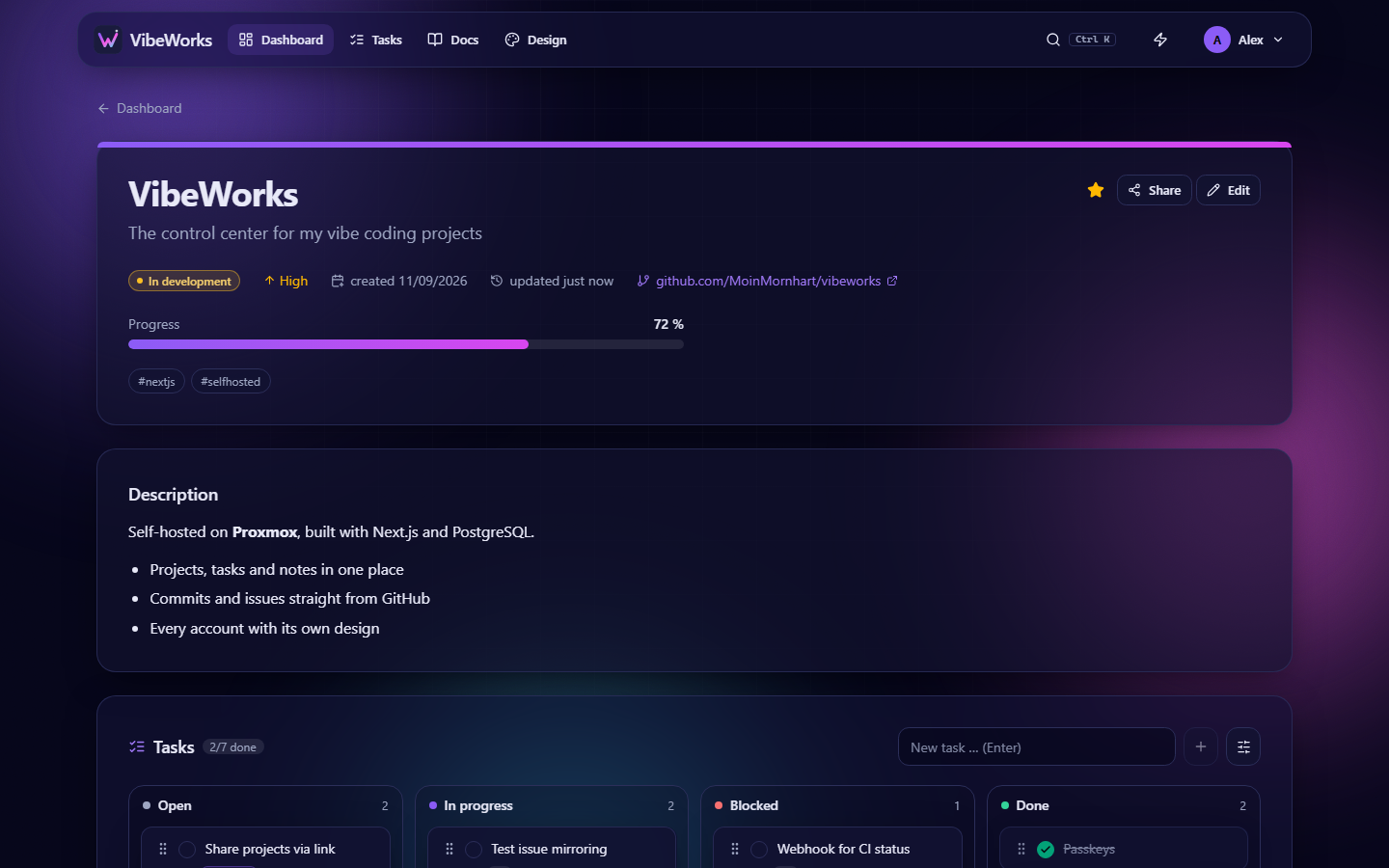
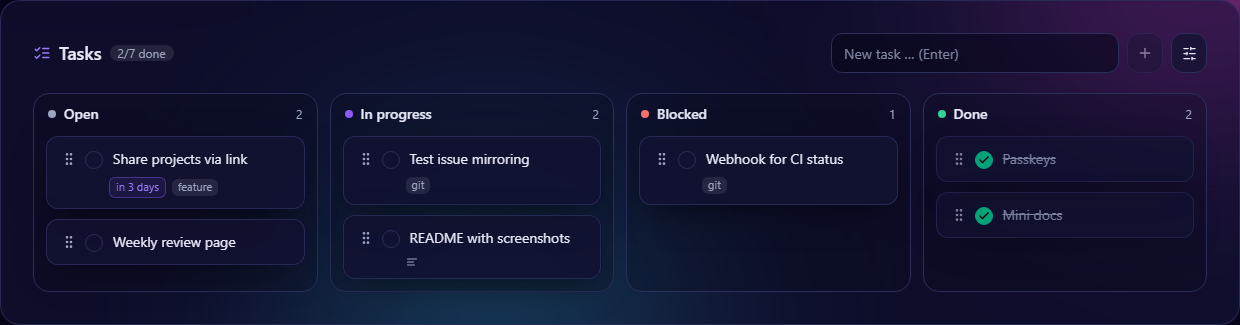
Grid, list or kanban, status from idea to done. Progress can determine itself – from tasks, commits, CI and planning.
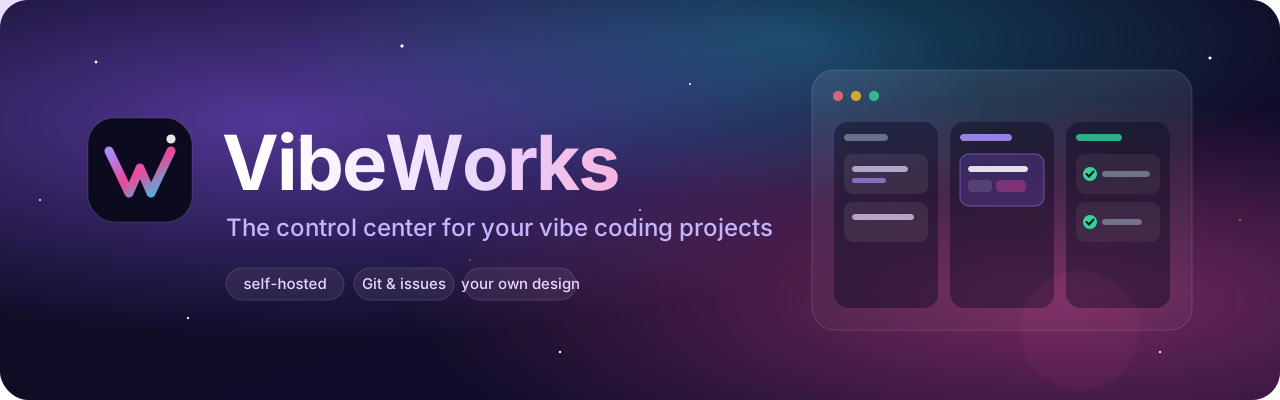
Ideas, tasks, notes, commits, CI and Claude Code – VibeWorks gathers everything in one app that runs on your Proxmox and updates itself.
Run it on the Proxmox VE host – the installer creates a Debian container, installs everything and sets up automatic updates.
bash -c "$(curl -fsSL https://raw.githubusercontent.com/MoinMornhart/vibeworks/main/install/proxmox.sh)"Works without Proxmox too – a Debian or Ubuntu server is enough. Installation guide →
Grid, list or kanban, status from idea to done. Progress can determine itself – from tasks, commits, CI and planning.
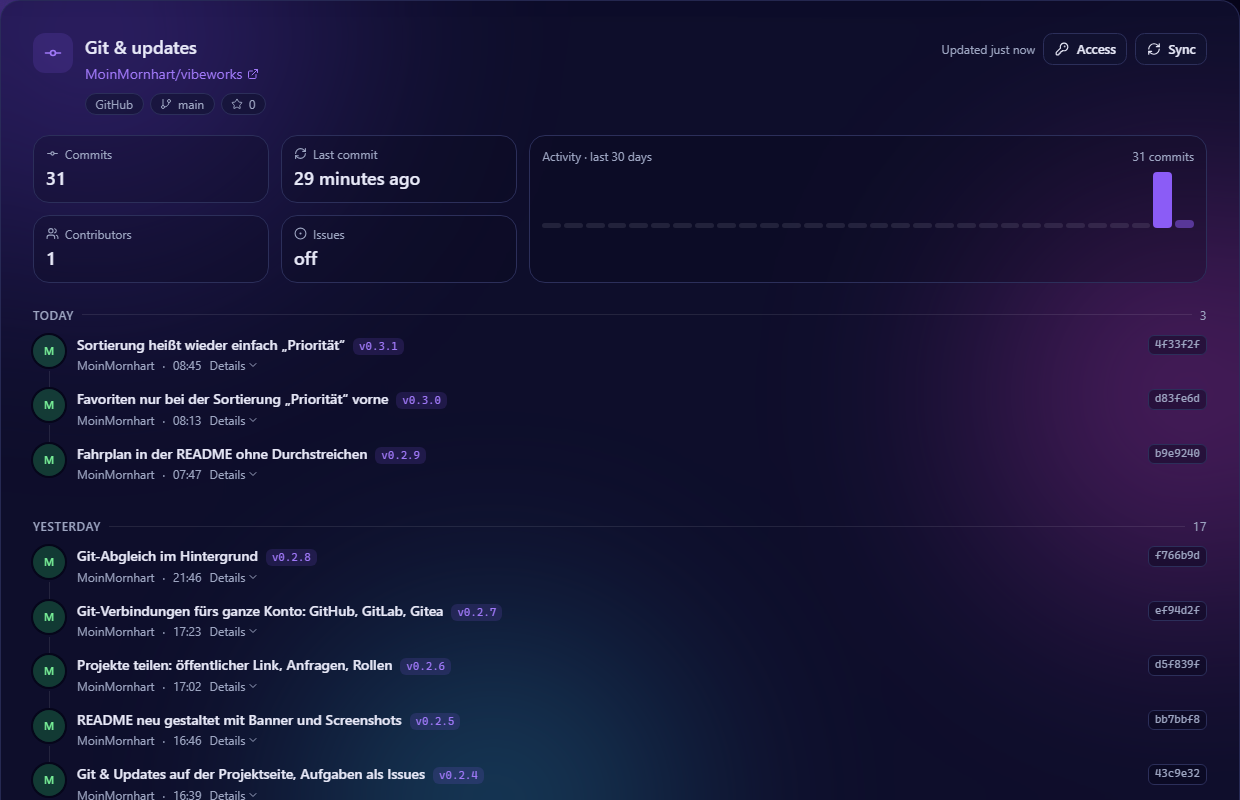
Tasks become issues on GitHub, GitLab or Gitea and sync back. Commits, CI status and a dependency check come with it.
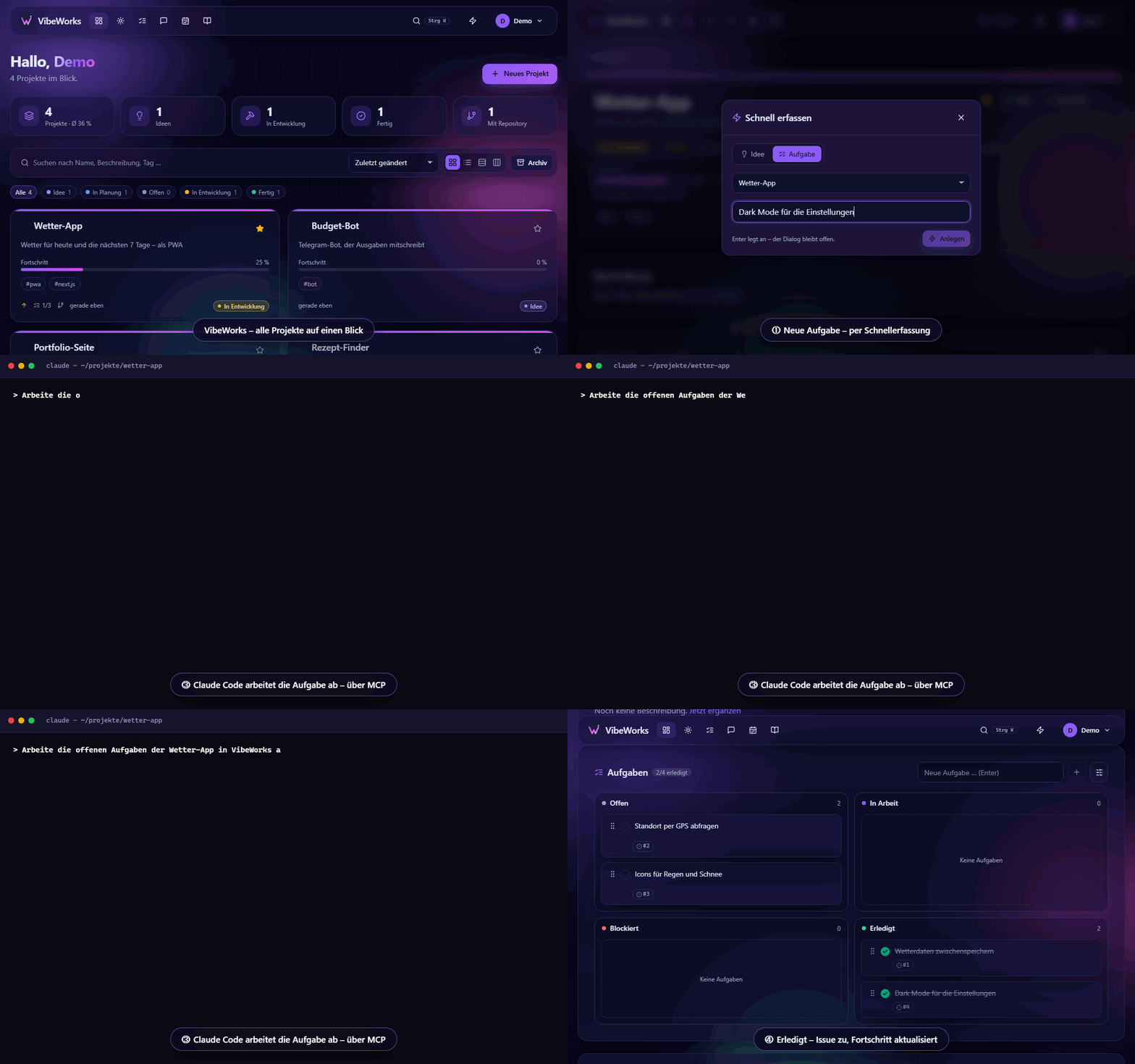
VibeWorks is an MCP server: Claude reads and completes your tasks, writes notes and docs – plus a CLAUDE.md generator and a prompt library.
Its own window, tray, quick capture with Ctrl+Alt+V from any program and Windows notifications. Updates itself.
Plan tasks from all projects for the day, track time, 25-minute focus timer. The weekly review shows where the time went.
An activity grid over the whole year, streaks, small achievements and a timeline across all projects.
Checks the finished site every 5 minutes: availability, response time, SSL expiry – with a notification when something goes down.
Hosting, domain, AI APIs per project – totals per month and year, a warning two weeks before every renewal.
Drop ideas via “share” on your phone, a drop address or ntfy – sort them into projects or tasks later.
Due tasks, red CI, outages, access requests – via ntfy to your phone, webhook (Discord, Slack) or email.
Whatever has slept for 30 days asks: carry on or bury – with a tombstone, last words and resurrection.
Share projects via link, invite people – and show selected projects as a public portfolio.
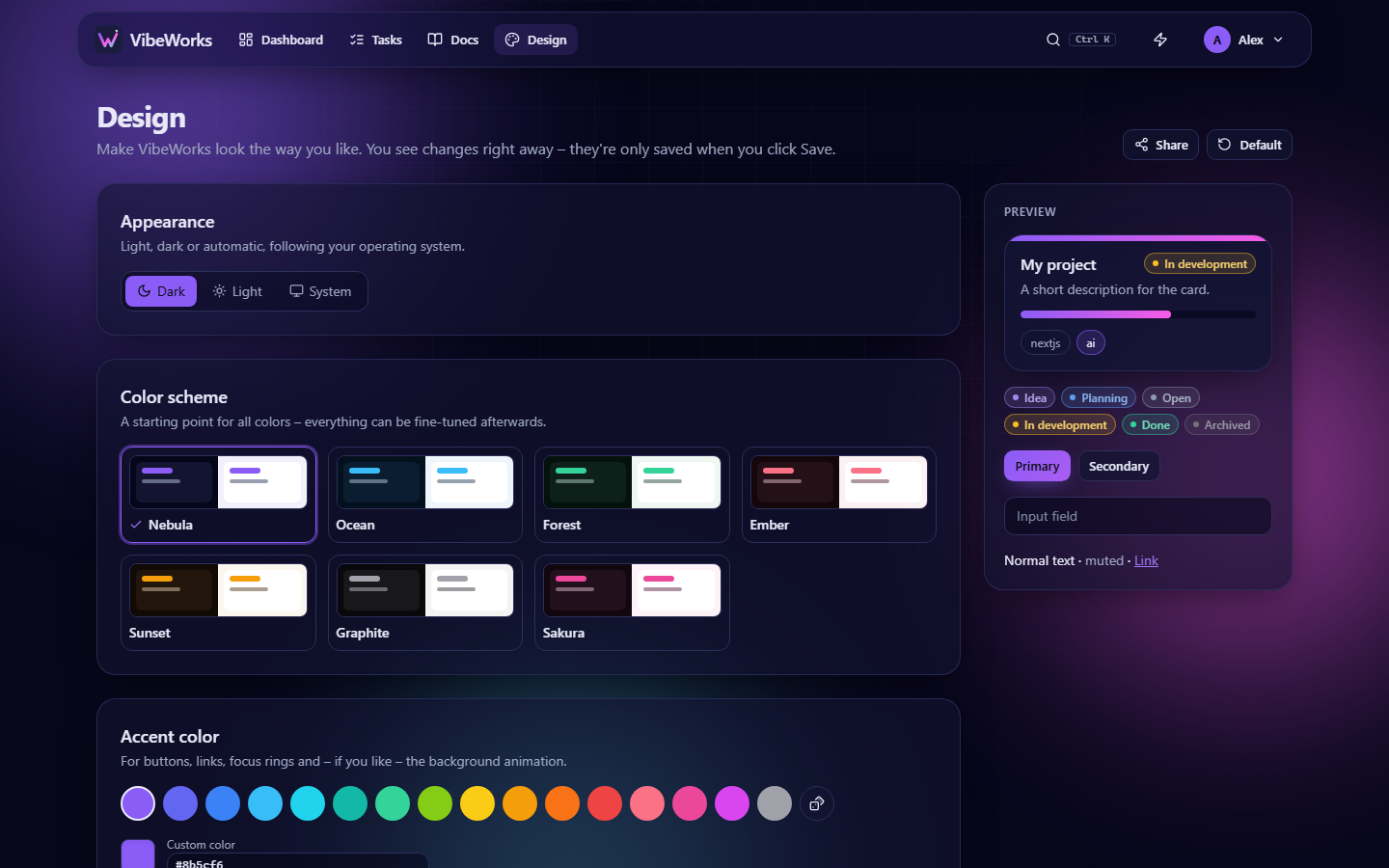
Animated backgrounds, your own colors, light or dark, glass effect – per account. English and German.
Passkeys, two-factor, CSP, CSRF and SSRF protection, encrypted tokens. Your data stays on your server.
One command installs everything, updates arrive every 15 minutes – with backup, health check and automatic rollback.
claude mcp add …